How I Finally Shipped Luma Shapes!
Solo Godot Dev vs. Google Play Console
How I Bypassed the 12-Tester Rule with Shaders & Bureaucracy
Hey everyone, it actually happened. I did the impossible. I took a mobile game completely from scratch, fought through the dark arts of vector mathematics, and successfully shipped my title, Luma Shapes, live onto the Google Play Store.
Note from the Editor
There is a YouTube version of this article here: https://youtu.be/P6xou72tjgg
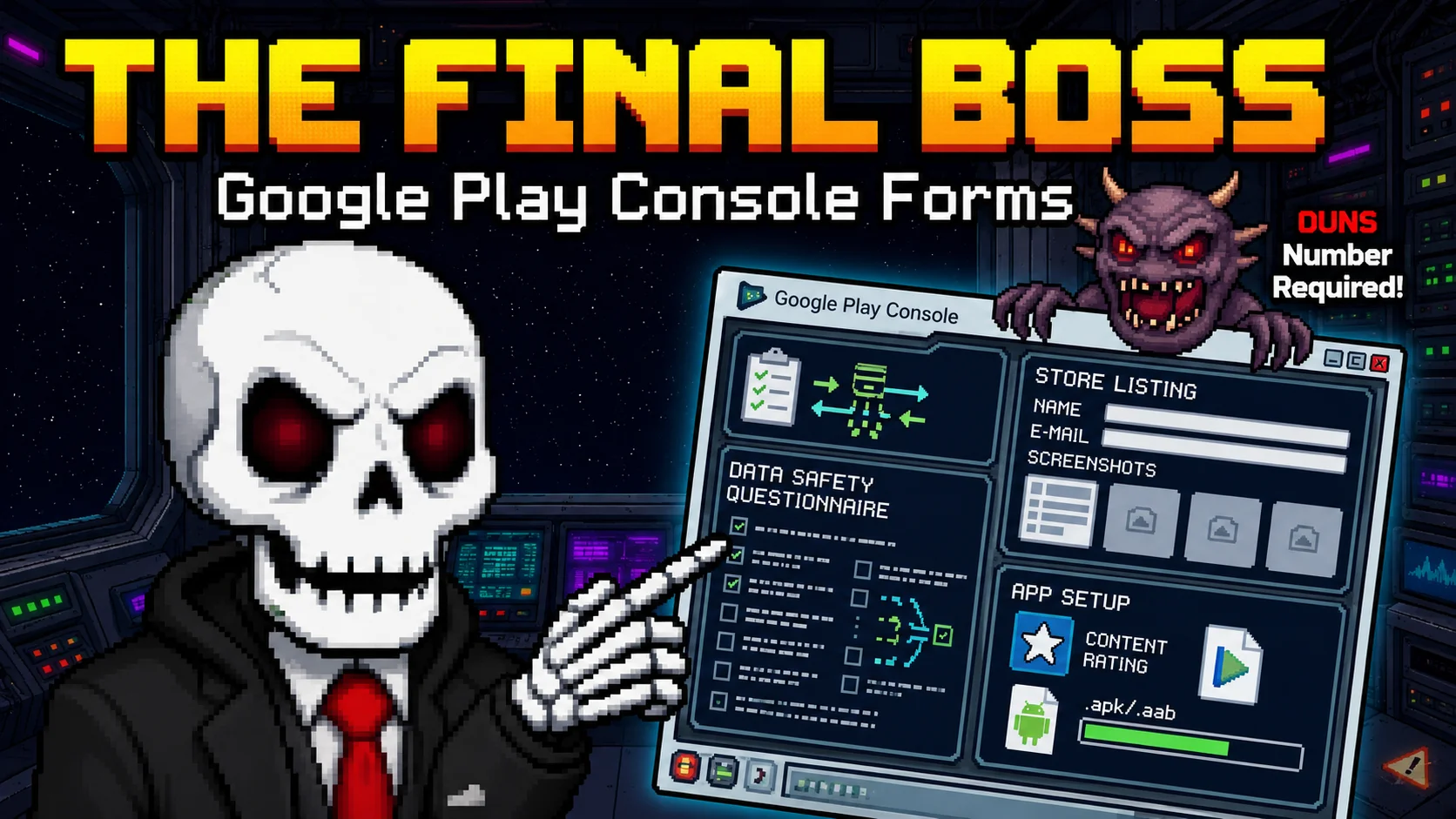
Everyone in the indie community loves to warn you about the classic game dev hazards: late-night scope creep, the existential dread at 2 AM when your refactored code throws 500 errors, or spending 10 hours animating a single pixel-art cycle. But nobody warns you about the true final boss of modern game development: federal tax forms, corporate business registration, and Google’s maddening compliance dashboard.
If you are currently building a game, or are just "game dev curious," strap in. This isn't just a celebratory victory lap; it’s a full post-mortem on how I combined the lightweight majesty of the Godot Engine with a generative AI pipeline, wrote a highly optimized 150-line procedural fragment shader to keep my file size tiny, and used a completely legitimate corporate hack to bypass Google’s brutal closed-testing requirement.
Let's dive into the code engine and the bureaucratic matrix.
1. The Bureaucratic Black Hole: Setting Up an Organization Account
Let's address the massive, dry, briefcase-carrying elephant in the room first: becoming a legal entity.
When you start out, you’re just an "indie dev in sweatpants" typing code into a laptop. But the moment you want to distribute your game professionally on mobile platforms, the Google Play Console treats you like an unverified rogue agent unless you can prove you exist in the corporate ecosystem.
If you register a Personal Developer Account on the Play Console, you are instantly slapped with Google's mandatory closed-testing rule. This rule dictates that you must recruit at least 12 unique testers to actively use your app for 14 consecutive days before you are ever allowed to click the "Publish to Production" button.
If you are an introverted solo developer with no friends or an organic audience, this policy is an absolute brick wall. Worse yet, if a single tester forgets to open your app on day 12, or uninstalls it, the entire 14-day automated clock resets to zero. Absolute pain.
Enter the D-U-N-S Number Hack
How do we bypass this testing gate entirely? You register an Organization Account instead of an individual one.
To set up an Organization Account, Google requires you to be a legally registered business entity (like a single-member LLC). To verify this, they require a D-U-N-S (Data Universal Numbering System) Number. This is a unique, 9-digit global identity fingerprint for businesses provided by Dun & Bradstreet. It’s entirely free to get, though processing can take a few weeks.
Once your business has its D-U-N-S number, you submit it to Google along with your business incorporation documents.
💡 The Hidden Golden Nugget: Verified Organization Accounts are completely exempt from the 12-tester / 14-day closed testing requirement. You can spin up your developer profile, configure your app parameters, and push your game straight to production tracks on Day One. It turns an agonizing month-long testing sprint into a minor administrative checkpoint.
2. The Solo Dev Pipeline: Godot Engine meets Generative AI
For the actual engine, I chose Godot Engine. It is the absolute undisputed king for lightweight 2D pixel art pipelines. It doesn't fight you, its node system makes logical sense, and unlike certain monolithic engines, it doesn't bundle megabytes of proprietary runtime garbage when you export a clean Android build.
As a solo developer wearing fifty different hats (programmer, sound designer, UI creator, marketer), creating high-fidelity animated sequences on a zero-dollar budget is completely impossible using traditional pipelines. To solve this, I built a hybrid Generative AI art pipeline to punch way above my weight class:
- Google Gemini: Acted as my brainstorming co-pilot, helping me flesh out conceptual scripting structures, story text formatting, and defensive code blocks.
- Google VEO: Used to generate high-fidelity, fluid video foundations for the cinematic sequences based on text prompts.
- Higgsfield AI: Took those video foundations and translated them into proper, stylized pixel-art animations that matched the visual aesthetic of the rest of the game loop.
Look, the internet will always have strong, loud opinions about AI art. But when you are a one-person team trying to make a gorgeous sensory game without a venture-capital budget, using AI as an architectural foundation layer is a total cheat code to achieve a high-production look without an entire art studio budget.
3. Under the Hood: The Deep Space Liquid Shader
Let's talk about mobile optimization. If you want people to actually keep your indie game on their phones, keeping the file size incredibly tight is vital. My goal was to keep Luma Shapes well under 55 MB.
To do that, I banned massive image sequences, heavy video backgrounds, and gigantic sprite sheets. Instead, the entire animated background of the levels is drawn completely in real time using math. I wrote a single, highly efficient, 150-line custom fragment shader called background.gdshader.
shader_type canvas_item;
// Uniforms allow us to tweak these variables live in the Godot inspector
uniform vec4 bg_color_top : source_color = vec4(0.1, 0.05, 0.2, 1.0);
uniform vec4 bg_color_bottom : source_color = vec4(0.05, 0.1, 0.2, 1.0);
uniform float time_speed = 0.8;
uniform vec2 touch_position = vec2(-1.0, -1.0);
uniform float repulsion_strength = 0.15;
// Helper function to calculate touch repulsion
vec2 get_repulsion(vec2 blob_pos, vec2 touch_pos, float aspect) {
if (touch_pos.x < 0.0) return vec2(0.0);
vec2 diff = blob_pos - touch_pos;
diff.x *= aspect; // Adjust for aspect ratio so circles stay circular
float dist = length(diff);
if (dist < 0.4) {
float force = (1.0 - (dist / 0.4)) * repulsion_strength;
return normalize(diff) * clamp(force, 0.0, 0.1);
}
return vec2(0.0);
}
void fragment() {
// 1. Create vertical background space gradient
vec4 background = mix(bg_color_top, bg_color_bottom, UV.y);
float aspect = SCREEN_PIXEL_SIZE.y / SCREEN_PIXEL_SIZE.x;
vec2 uv = UV;
// 2. Define 3 procedural animated goo blobs using TIME
vec2 blob1 = vec2(0.5 + 0.15 * sin(TIME * time_speed), 0.5 + 0.1 * cos(TIME * time_speed * 1.5)); // Figure-8
vec2 blob2 = vec2(0.3 + 0.1 * cos(TIME * time_speed * 1.2), 0.4 + 0.1 * sin(TIME * time_speed * 0.8)); // Orbital
vec2 blob3 = vec2(0.7 + 0.12 * sin(TIME * time_speed * 0.9), 0.7 + 0.12 * sin(TIME * time_speed * 1.1)); // Bouncy
// Apply touch repulsion to the blobs
blob1 += get_repulsion(blob1, touch_position, aspect);
blob2 += get_repulsion(blob2, touch_position, aspect);
blob3 += get_repulsion(blob3, touch_position, aspect);
// 3. Metaball Math: calculate distance and sum influence fields
float d1 = 1.0 / length(uv - blob1);
float d2 = 1.0 / length(uv - blob2);
float d3 = 1.0 / length(uv - blob3);
float influence = d1 + d2 + d3;
// Smoothstep creates soft, glowing organic bodies with bright cores
float edge = smoothstep(15.0, 18.0, influence);
float core = smoothstep(25.0, 35.0, influence);
vec4 blob_color = mix(vec4(0.9, 0.2, 0.6, 1.0), vec4(0.1, 0.8, 0.7, 1.0), uv.x);
vec4 final_color = mix(background, blob_color, edge);
final_color = mix(final_color, vec4(1.0), core); // Pure white hot core
COLOR = final_color;
}
The Math Breakdown:
The Gradient: It builds a nice vertical purple-to-blue backdrop that feels deep, organic, and cinematic without loading a single texture file into memory.
Procedural Motion: It spins up three distinct "metaball blobs" floating via custom combinations of sin() and cos() functions multiplied by TIME. One does a lazy figure-8, one orbits, and the third bounces diagonally.
The Repulsion Mechanic (get_repulsion): When the player touches the screen, the layout coordinates are fed into the shader. The code compares the pixel coordinates against the touch vector, corrects for screen aspect ratio so the shapes don't deform into stretched ovals, and gently offsets the blob centers away from the finger. I intentionally clamped this value so the blobs wouldn't fly completely off-screen like scared cats.
The Blend: By calculating the inverse distances to each blob center and summing them together, the shapes naturally melt, fuse, and separate like a digital lava lamp when they cross paths. smoothstep() creates the vibrant, glowing neon edges and soft bodies.
- Engineering the Juice: Interactive Audio & Particle Scripts
Since Luma Shapes is designed as a highly responsive sensory game for small children, every single user action needs to deliver an immediate hit of visual and auditory satisfaction (what game designers call "juice").
When a player interacts with the elements on screen, the shader input coordinates map directly to our primary gameplay manager, which triggers the SensoryEffect.gd node.
extends Node2D
onready var particles = $GPUParticles2D
onready var tween = $Tween
var intensity_score : float = 0.0
func trigger_pop_effect(target_position: Vector2, level_palette: Array, base_pitch: float):
global_position = target_position
# Defensive programming: duplicate the particle material so we can
# dynamically recolor it without altering other active effects
var new_material = particles.process_material.duplicate()
var target_color = level_palette[randi() % level_palette.size()]
new_material.color = target_color
particles.process_material = new_material

# Scale particle count based on how rapidly the user is tapping
intensity_score += 1.0
particles.amount = clamp(int(15.0 * intensity_score), 15, 60)
particles.restart()
particles.emitting = true

# Fetch responsive audio stream via our SoundManager autoload singleton
var sound_pitch_modifier = base_pitch + (randf() * 0.15 - 0.075) // Subtle natural variance
SoundManager.play_synth_note("lullaby_mode", sound_pitch_modifier)

# Smoothly fade out the visual effect using Godot Tweens
tween.interpolate_property(self, "modulate:a", 1.0, 0.0, 2.0, Tween.TRANS_SINE, Tween.EASE_OUT)
tween.start()

func _on_Tween_all_completed():
intensity_score = max(0.0, intensity_score - 0.5)
# Safely queue_free if effect is completely spent to avoid memory leaks
if modulate.a == 0.0:
queue_free()
Why This Script Design Works:
Material Duplication: By calling .duplicate() on the particle material, we avoid the classic bug where editing a runtime value shifts the color of every single particle system currently rendering across the active scene tree.
Dynamic Auditory Mapping: The button coordinate layout corresponds perfectly to specific synthesizer frequencies managed by our global SoundManager. Tapping closer to the goo blobs manipulates the visual distortion array while simultaneously picking out clear, clean notes.
Tween Cleanup: Instead of tracking lifespans with arbitrary custom delta timers, a fast Tween handles alpha transitions cleanly and safely cleans up memory leaks via queue_free().
- Demystifying the Google Play Console: The 5-Phase Checklist
Once the code runs smoothly, your asset file sizes are optimized, and your game is running beautifully on native test hardware, you finally open up the Google Play Console.
Opening this dashboard for the first time feels like an astronaut boarding an alien spaceship, flipping random switches, and praying the ship doesn't detonate mid-orbit. To save you the headache, here is the exact step-by-step checklist of what you actually have to execute to get your compiled .aab file live:
| Phase | Section in Console | What You Are Actually Doing |
|---|---|---|
| Phase 1: Identity | Developer Account Verification | This is where you upload your hard-earned D-U-N-S Number details, verify company phone lines and emails via One-Time Passwords (OTPs), and submit legal incorporation business certificates. |
| Phase 2: App Setup | Dashboard Checklist | The massive corporate questionnaire sprint. You declare App Access flags (proving no base gameplay requires hidden authentication passes), fill out the official IARC questionnaire to determine your ESRB/PEGI ratings, and define your strict target age demographic (confirming if your game targets children). |
| Phase 3: Data Privacy | Data Safety & Advertising | Filling out comprehensive forms explaining exactly what data your app collects (for Luma Shapes, literally zero tracking) and submitting your official Advertising ID declaration guidelines. |
| Phase 4: Store Presence | Main Store Listing | The marketing setup. Uploading your custom app metadata, long/short project copy, a precise 512x512 PNG app icon, a crisp 1024x500 feature graphic banner, and dedicated phone/tablet screenshots formatted in 16:9 and 9:16. |
| Phase 5: The Launch | Production Track | Selecting your target deployment countries, establishing global Play App Signing encryption rules, uploading your final optimized binary file (Android App Bundle / .aab), drafting localized release notes, and clicking the glorious "Roll out to Production" button. |
Once you click that final confirmation button, your application sits in "Under Review" status for anywhere from 2 to 7 days while Google's automated systems and human reviewers inspect your app build. But once it passes, your game is globally available to billions of devices.
The Victory Lap
Taking a game all the way from an empty Godot script to an official, production-verified listing on the global mobile market is an absolute milestone for any solo creator. It changes you. You are no longer just someone writing code files on a local machine; you are an officially published platform developer. It's a massive badge of honor to slap onto a portfolio or resume.
If you want to check out how the final math engine feels in the palm of your hand, you can download Luma Shapes directly on the Google Play Store right now. Tap the shader, listen to the math, and leave me an honest review on the store page.
If you are a solo developer trying to build your own engine systems, don't let the administrative overhead or complex dashboards intimidate you. Treat bureaucracy like any other syntax error—debug it, solve it, and get back to building cool projects.
Now if you'll excuse me, I am going to go sit at my laptop and refresh my developer console analytics screen every 30 seconds like a proud but incredibly anxious parent. Stay creative, keep coding, and see you all in the next project breakdown!
🛠️ Key Takeaways for Solo Developers:
- The Org Exemption is Real: If you have an LLC or a legitimate business entry, always secure your D-U-N-S number first. Bypassing the 12-tester loop saves endless human-coordination friction.
- Math Over Pixels for Mobile: When file size limits are critical, shift your artistic asset pipeline toward canvas_item fragment shaders. Real-time math renders instantly and keeps binaries tiny.
- Lean Into Community Resources: Do not code everything from scratch. Resources like GodotShaders.com provide amazing open-source mathematics foundations that can be modified to fit your game loop instantly. Keep your loops juicy!


Comments
Add Comment
All Comments
// NO_COMMENTS_IN_BUFFER
Establish initialization protocol by creating the baseline entry trace.
System Moderation Interceptor is ON for this communication hub. All user transmission vectors must clear access protocol filtration approvals before broadcasting logs live to public network arrays.