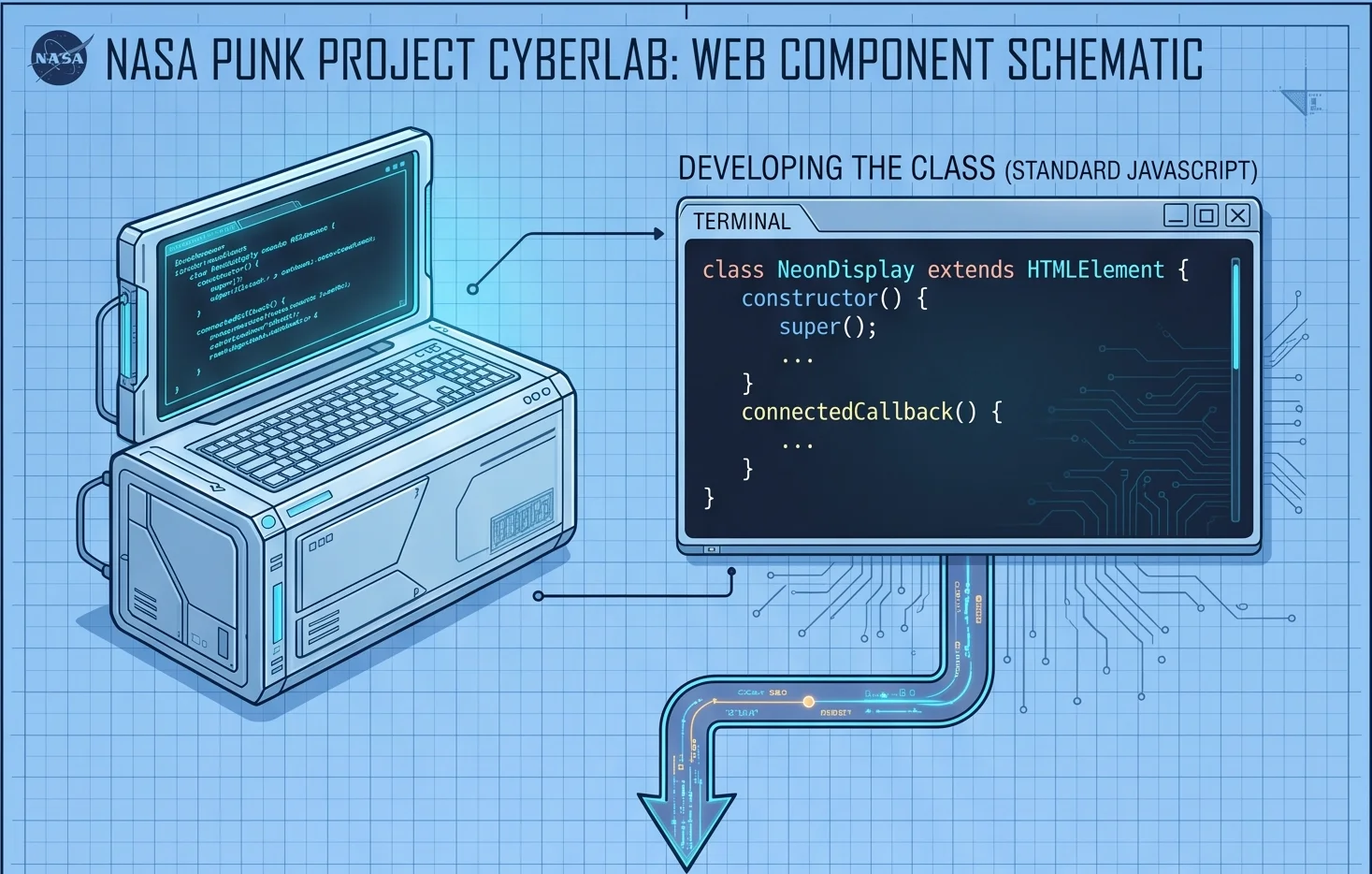
Why Native Web Components Are the Future of Reusable UI
If you have spent any time in the modern frontend ecosystem over the last decade, you know the routine. You choose a framework—React, Vue, Angular, or Svelte—and you instantly enter a walled garden. You build a gorgeous UI library, optimize your state management, and write crisp, reusable components.
Then, two years later, your company acquires another team that builds exclusively in Vue, while your system is built in React. Or a new, hyper-fast meta-framework emerges, and you are faced with a brutal reality: your entire UI asset codebase is trapped inside a framework's virtual engine. If you want to use your components elsewhere, you have to rewrite them from scratch.
What if you didn't have to?
In this deep dive, we are exploring a better path: Native Web Components. Using the real-world architecture of <cosmic-wave />—a 5.4 KB, zero-dependency, highly performant custom element that calculates and animates morphing SVG paths—we will look at why building on the web platform itself is the ultimate way to future-proof your code.

preview of cosmic wave in action
YOUTUBE VIDEO VERSION
This article is the LONGER version of the YouTube video covering this same topic: https://youtube.com/shorts/IEcnNjTq3Pk?feature=share. If you are looking for a quick, animated introduction to the topic, I encourage you to check it out first!
The Core Problem: The Framework Walled Garden
Modern frameworks provide excellent abstractions, but they extract a heavy toll: ecosystem lock-in. When you build a component in React, you aren’t writing pure web code; you are writing code that targets the React runtime, relies on its synthetic event system, and lives inside its Virtual DOM.
This creates a massive fragmentation problem across the industry:
- Zero Interoperability: A React slider cannot easily run inside a Vue application without pulling in the entire React runtime as an incredibly heavy wrapper.
- The Rewrite Treadmill: When frameworks introduce breaking architectural shifts (e.g., React Class Components to Hooks, or Vue 2 to Vue 3 Composition API), entire design systems must be refactored or rewritten.
- Dependency Creep: Monolithic framework ecosystems encourage developers to install third-party packages for simple UI tasks, bloating bundle sizes and exposing apps to supply chain security risks.
The Web Component Alternative
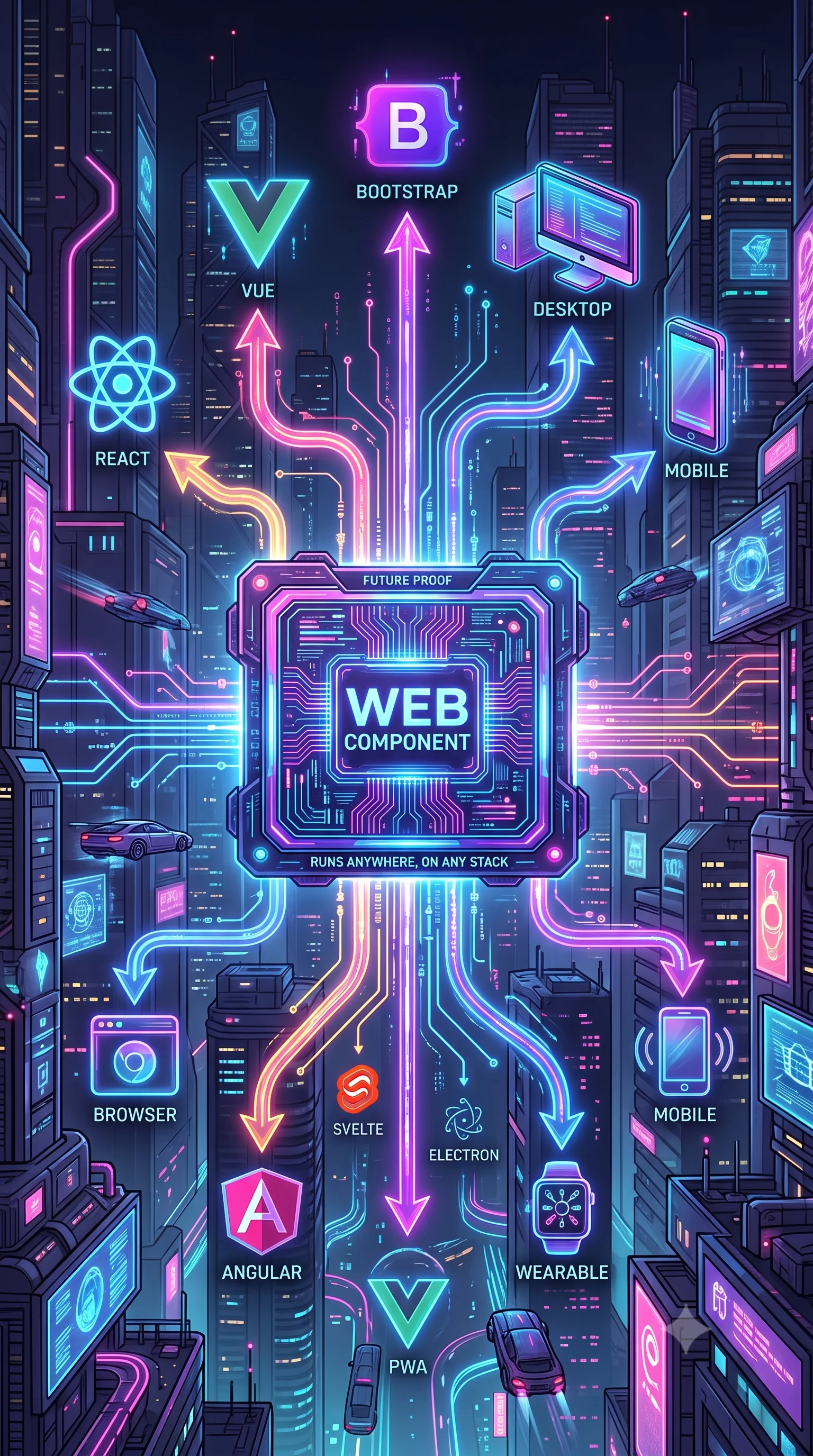
Native Web Components turn this model upside down. Instead of teaching a runtime library how to render your UI, you are targeting the browser’s native engine. You are literally extending HTML itself to invent entirely new tags that the browser understands natively.
Whether you drop a native web component into a raw HTML file, a WordPress template, a Shopify store, or an enterprise Next.js application, it executes with the exact same speed, optimization, and predictability as a standard <div>, <video>, or <canvas> tag.
Performance Face-Off: Web Components vs. React & Vue
When evaluating performance, we must look beyond arbitrary render benchmarks and focus on three real-world metrics: Bundle Size Overhead, Time to Interactive (TTI), and Memory Footprint.
| Performance Metric | React (with React-DOM) | Vue.js Runtime | Native Web Component (<cosmic-wave />) |
|---|---|---|---|
| Baseline Runtime Size | ~42 KB (Gzipped) | ~33 KB (Gzipped) | 0 KB (Built-in) |
| Component Footprint | Variable + VDOM Node overhead | Variable + Proxy tracking overhead | 5.4 KB (Total minified payload) |
| DOM Execution Layer | Virtual DOM Diffing & Reconciliation | Reactive Proxy Dependency Tracking | Direct Browser Engine Execution |
| Style Isolation | Requires CSS-in-JS or build-step CSS Modules | Requires Scoped CSS build-step compilation | Native Shadow DOM (Zero overhead) |
1. The Cost of the Virtual DOM Abstraction
React and Vue rely on an intermediate representation of the UI known as the Virtual DOM (or reactive dependency graphs). When state changes, the framework runs a CPU-intensive diffing algorithm to figure out which parts of the real DOM need to change.
Native Web Components skip this entire abstraction layer. When a web component needs to update, it targets the DOM directly via native APIs (element.setAttribute, element.innerHTML, or direct node mutations). This eliminates the memory overhead of maintaining a massive virtual tree in JavaScript memory, leading to vastly superior performance on low-power mobile devices.
2. Eliminating Script Bootstrapping Delays
Before a React or Vue app can display interactive elements, the browser must download the framework framework chunk, parse the JavaScript, initialize the component tree, and mount it to a root element. This delays your application's Time to Interactive (TTI).
Because Web Components are registered directly via the browser's customElements registry, the browser parses and renders them as it scans the HTML document streams. There is no hydration bottleneck.
If you've ever built a react or vue.js component, its very similar markup, only instead of loading a whole framework, the browser is going to do the heavy lifting!
<main>
  <div class="whatever">
    <cosmic-wave class="bg-primary"></cosmic-wave>
    <video data-example=true></video>
  </div>
</main>
Building A Web Component Start to Finish
Inside the Anatomy of <cosmic-wave />
Let's break down how a native web component is constructed from scratch without relying on external libraries like Lit or Stencil. Every native component relies on three primary web standards: Custom Elements, the Shadow DOM, and HTML Templates.
Extending the Base HTML Element
To create a web component, you define a standard JavaScript class that extends the browser's native HTMLElement class, then bind it to a custom tag name.
class CosmicWave extends HTMLElement {
  constructor() {
    super(); // Always call super() first to establish the prototype chain
// Attach a Shadow DOM instance to enforce strict style isolation
this.attachShadow({ mode: 'open' });

}
}
// Register the component globally with the browser
customElements.define('cosmic-wave', CosmicWave);
By passing { mode: 'open' } to attachShadow, we create an isolated DOM subtree. Any CSS defined inside this component will not leak out to pollute the rest of the web page, and no global CSS styles from the host website can accidentally pierce our component and break its styling. It acts as a true black box.
Lifecycle Mastery & Preventing Memory Leaks
Managing component lifecycles correctly is where enterprise-grade engineering separates itself from hobby projects. In a Single Page Application (SPA) environment, elements are constantly mounted, unmounted, and moved around the page. If your component sets up event listeners or animation loops without cleaning them up, you will introduce catastrophic memory leaks.
Native Web Components provide built-in, highly reliable lifecycle hooks that execute precisely when the element changes state in the browser DOM.
1. Entering the Page: connectedCallback
The connectedCallback fires the exact millisecond your element is successfully appended to the active document DOM. This is where you parse attributes, spin up configurations, render your initial HTML, and initialize your processes.
connectedCallback() {
  // Read configuration values passed as HTML data-attributes
  this.waveSpeed = parseInt(this.getAttribute('data-wave-speed')) || 2000;
  this.variance = parseFloat(this.getAttribute('data-variance')) || 4;
  this.animate = this.getAttribute('data-wave-animate') === 'true';
// Render the core internal SVG structure inside the Shadow DOM
this.shadowRoot.innerHTML = <style> :host { display: block; width: 100%; height: 100%; } svg { width: 100%; height: 100%; pointer-events: none; } </style> <svg xmlns="[http://www.w3.org/2000/svg](http://www.w3.org/2000/svg)" preserveAspectRatio="none"> <path id="wave-path" /> </svg>;
this.pathElement = this.shadowRoot.getElementById('wave-path');
// Start performance-aware features
this.setupIntersectionObserver();
if (this.animate) {
this.startAnimationLoop();
}
}
2. Exiting the Page: disconnectedCallback
When a user navigates to a new route and your component is dropped from the DOM, the disconnectedCallback executes automatically. This is your cleanup safety net. If you fail to clear animations or observers here, the browser cannot garbage-collect the element, and your application's memory usage will grow indefinitely.
disconnectedCallback() {
  // Stop the active requestAnimationFrame loop completely
  if (this.animationFrameId) {
    cancelAnimationFrame(this.animationFrameId);
  }
// Disconnect the Intersection Observer to free system memory
if (this.observer) {
this.observer.disconnect();
}
}
Performance Optimizations: IntersectionObserver & SVG Math
For a visually complex component like
1. Smart UI Pausing with IntersectionObserver
Running a continuous requestAnimationFrame calculation loop for an animated background wave is completely fine—provided the user can actually see it. But if the user scrolls down a long dashboard page and the wave is pushed off-screen, executing math equations in the background is a waste of CPU and GPU cycles.
To solve this,
setupIntersectionObserver() {
  this.observer = new IntersectionObserver((entries) => {
    entries.forEach(entry => {
      if (entry.isIntersecting) {
        // Element is visible on screen: resume animation loops
        this.startAnimationLoop();
      } else {
        // Element is completely off-screen: freeze loop instantly
        if (this.animationFrameId) {
          cancelAnimationFrame(this.animationFrameId);
        }
      }
    });
  }, { threshold: 0.05 }); // Trigger as soon as 5% of the component is visible
this.observer.observe(this);
}
2. Generative SVG Math & Bezier Curves
Rather than loading a heavy third-party animation engine like GSAP or Framer Motion,
On every single animation frame tick, our loop computes smooth coordinate variations using sine functions based on the elapsed timestamp. It dynamically builds a standard string value representing the path data coordinate instructions (d attribute):
animateWave(timestamp) {
  const points = parseInt(this.getAttribute('data-wave-points')) || 8;
  let pathString = `M 0 ${this.baseHeight}`; // Move to start coordinate
for (let i = 0; i <= points; i++) {
const x = (this.width / points) * i;
// Calculate a shifting offset using deterministic sine waves over time
const dynamicOffset = Math.sin(timestamp / this.waveSpeed + i) * (this.variance * 10);
const y = this.baseHeight + dynamicOffset;

if (i === 0) {
  pathString += ` L ${x} ${y}`;
} else {
  const prevX = (this.width / points) * (i - 1);
  const controlX = (prevX + x) / 2; // Control point center
  pathString += ` Q ${controlX} ${y}, ${x} ${y}`;
}

}
// Close the SVG shape boundaries cleanly
pathString +=  L ${this.width} ${this.height} L 0 ${this.height} Z;
// Directly update the attribute on the native browser path element
this.pathElement.setAttribute('d', pathString);
if (this.animate) {
this.animationFrameId = requestAnimationFrame((ts) => this.animateWave(ts));
}
}
Executing calculations this way allows the browser to bypass any complex virtualization abstractions. It interprets the updated path data and pushes it straight to the GPU for extremely fluid, low-overhead UI scaling and rendering.
Production Bundling: Making it Enterprise-Ready with Rollup
While you can technically load a plain JavaScript component file using a simple script tag, making your component enterprise-ready means bundling it down to an optimized production state. We want to achieve three goals during a build step:
- Minification: Strip whitespace, shorten internal variable names, and compress our payload size.
- Universal Compilation: Export a production UMD (Universal Module Definition) or ESM package that can be read natively anywhere.
- TypeScript Introspection Support: Extract automatic declaration typings (.d.ts) so developers using advanced IDEs like VS Code get clean auto-complete parameter suggestions when writing code.
To execute this clean compilation pipeline with zero unnecessary bloat, we use Rollup. Here is the exact rollup.config.js blueprint designed specifically for building decoupled native Web Components:
import resolve from '@rollup/plugin-node-resolve';
import { terser } from 'rollup-plugin-terser';
import dts from 'rollup-plugin-dts';
const packageJson = require('./package.json');
export default [
{
input: 'src/cosmicwave.js',
output: [
{
file: packageJson.main, // Outputs standard UMD package tracking
format: 'umd',
name: 'CosmicWave',
sourcemap: true,
},
{
file: packageJson.module, // Outputs clean modern ESM module tracking
format: 'esm',
sourcemap: true,
}
],
plugins: [
resolve(),
terser({
compress: {
drop_console: true, // Automatically strip debugging console logs out of production builds
}
})
]
},
{
// Generate isolated TypeScript declarations for automatic autocomplete integration
input: 'src/cosmicwave.js',
output: [{ file: 'dist/cosmicwave.d.ts', format: 'esm' }],
plugins: [dts()],
}
];
The Web Component Ecosystem: Where to Go Next
You do not need to invent every single asset from scratch. The native web standards movement has massive community traction, backed by major enterprise infrastructure teams. If you are ready to take your architectural research further, start digging into these foundational hubs:
WebComponents.org: The original official central repository directory for sharing open-source custom elements built across the community.
Component.gallery: An exceptionally well-curated visual design system index. While it logs UI elements built across multiple frameworks, it provides powerful search tools to filter down specifically for pure, native Web Components.
Lit.dev: A remarkably fast, featherweight framework abstraction layer developed directly by engineers at Google. Lit handles reactive property updates and template rendering with minimal code footprint, making it the industry standard for constructing complex corporate design systems.
Awesome Web Components (GitHub): The definitive curated master directory hosted on GitHub under web-padawan/awesome-web-components. It is an extensive index containing books, learning modules, routing utilities, and complete design languages managed entirely through pure browser standards.
Stop Reinventing the Wheel
Frameworks will always have their place for building massive, state-heavy internal dashboard architectures. But when it comes to your fundamental core UI building blocks—buttons, input fields, modals, design layouts, and visual design assets like <cosmic-wave /> building for a specific runtime library framework is technical debt waiting to happen.
Build on the platform, not the library. By adopting native Web Components, you guarantee that the code you write today will continue to run flawlessly, with maximum performance and zero dependency overhead, for the next decade to come.
Perfect for Branded UI Components
I recently was discussing web components with someone, who was struggling with how to best implement some figma designs. They knew the app they were working on was going to need to be on the web, and mobile, but the final frameworks hadn't been nailed down yet, React, React Native, or Apache Capacitor. This is where I chimed in about the awesomeness of Web Components.
You can easily craft custom components, in this case, custom paragraph headers with an animated icon, as a Web Component, easily supporting dynamic icons, and then load that into whatever platform you want.
This conversation was the 'spark' that led to me creating this video and article. Hopefully you've seen how easy and useful it is to create 'Universal', 'Reusable' UI Components. When I was first starting out, I actually confused 'Web Components' with 'WebAssembly', and that was another reason for writing this article. Web Components are VERY easy to make, and once you learn how to make them, you'll find yourself using them all the time. 'WebAssembly' is something very different, just FYI.
Anyways, please leave a comment with what you thought of the article, and let me know if you wanted the YouTube video!


Comments
Add Comment
All Comments
// NO_COMMENTS_IN_BUFFER
Establish initialization protocol by creating the baseline entry trace.
System Moderation Interceptor is ON for this communication hub. All user transmission vectors must clear access protocol filtration approvals before broadcasting logs live to public network arrays.